


CookShelf vs CookBook
Updated onCompare CookShelf and CookBook side-by-side. See how they stack up on features, pricing, and target market.

CookShelf
CookShelf is a mobile app that lets you scan, index, and search your physical cookbook collection to find recipes by ingredient or name and shows the book and page number.
Starts at $4.99 / per user / monthly
vs
CookBook
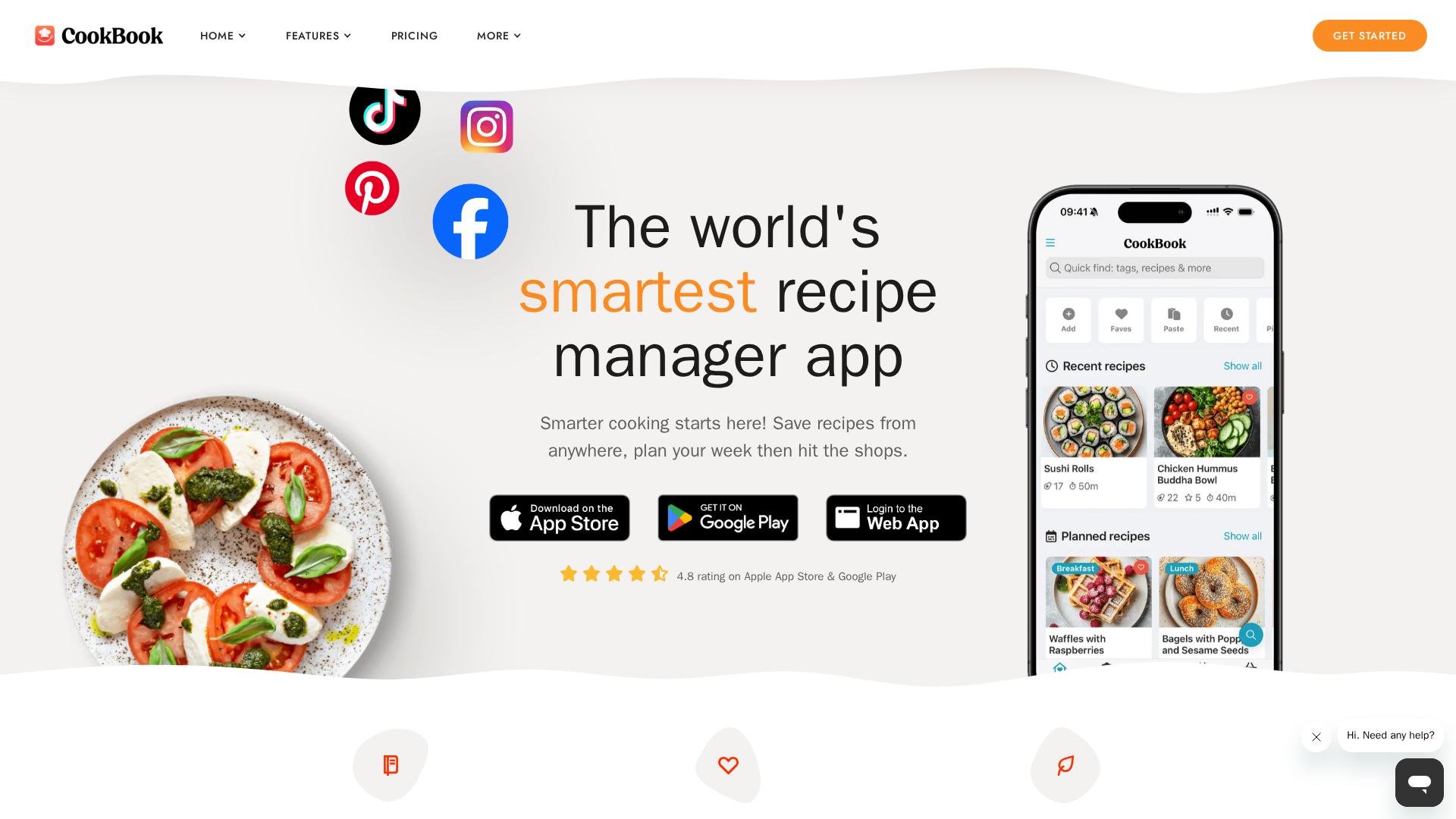
CookBook is a recipe manager and planner app that supports importing from the web, OCR photo-to-recipe conversion, meal planning and shopping lists.
Which should you choose?

CookShelf
Choose CookShelf if your main goal is scanning, indexing and searching a physical cookbook collection (book + page results) and you prefer a dedicated app focused on cookbook-first discovery.

CookBook
Choose CookBook if you want a general-purpose recipe manager that imports from websites and social media, offers AI-powered photo/OCR scanning plus meal-planning and shopping list features and a generous free tier to start with.
Typical cost comparison
Scenario: Single consumer user, billed monthly
CookShelf
$4.99 per month
CookBook
$0 per month
CookBook saves you $4.99 per month in this scenario.
Key differences
| Category | CookShelf | CookBook | Why? |
|---|---|---|---|
| Community & Discoverability | CookShelf highlights community features and curated/new-release cookbook content tied to its cookbook discovery focus. | ||
| Feature Depth | CookBook offers broad import sources (web, TikTok, Instagram), AI recipe scanner, meal planning and smart shopping lists versus CookShelf’s focused cookbook-indexing and search features. | ||
| Integrations & Imports | CookBook emphasizes imports from websites and social/social-media sharing plus browser extensions and cloud sync across devices. | ||
| Pricing | CookBook provides a usable free tier (limits on saved recipes/imports) while CookShelf is positioned as a paid mobile product with a $4.99/month offering. | ||
| Search of Physical Cookbooks | CookShelf is designed specifically to scan/index physical cookbooks and return book + page results, which is its core capability. |
Feature comparison
| Feature | CookShelf | CookBook | Notes |
|---|---|---|---|
| Free tier / trial | CookShelf is positioned as a paid app (monthly subscription shown); CookBook offers a free plan with limits and a 14-day free trial for Pro. | ||
| Cross-device cloud sync / web app | CookShelf is mobile-first with account features and help site; CookBook explicitly supports iOS, Android and web with cloud sync. | ||
| Import from websites / browser extension | CookShelf lets you add books via title or barcode; CookBook provides import from websites and browser extensions for saving recipes. | ||
| Meal planning | CookShelf offers basic bookmarking and meal-planning around found recipes; CookBook advertises a dedicated meal planner with scheduling and scaling. | ||
| Scan physical cookbook pages / OCR | CookShelf indexes books via barcode/scan to map books and pages; CookBook advertises an AI Recipe Scanner for photos and cookbook pages. | ||
| Smart shopping lists | CookShelf supports bookmarking and basic lists; CookBook advertises interactive AI-powered shopping lists with aisle detection and list merging. | ||
| Search across cookbook collection (book + page number) | CookShelf is built for searching cookbook collections and showing book/page; CookBook can scan cookbook pages but is focused on recipe import/management rather than a bookshelf index. |
Stay Ahead
Don't just find competitors. Stay ahead of them.
Auto-discover new competitors in your market. Get alerts when they change pricing, features, emails, ads, or messaging.
Stay ahead without the tracking busywork.
See competitor pages, emails, social posts, ads, and SEO signals in one place.
What ChampSignal watches for you
The channels competitors own, the places people talk about them, and the alerts that matter when something changes.
Website & Email Monitoring
Page updates, pricing changes, messaging shifts, and competitor newsletters.
Social Monitoring
X posts, Reddit threads, and other public social chatter.
Ads Monitoring
Ad copy, creatives, and landing pages across Google and Meta.
SEO Monitoring
Keywords, backlinks, and ranking shifts tied to competitor pages.
Auto Competitor Discovery
New rivals surfaced before they show up in deals or search.
High-Signal Alerts
The few alerts and digests that matter, delivered by email or Slack.